Registration In The System (How To Create An Account)
If you want not only to complete self-assessments, but also to conduct interviews with candidates, create campaigns, and manage the hiring process, you need to register in the system as a recruiter.
Registration gives access to:
- creating P2P interviews and self-assessments through the Interview Templates tab;
- working with templates and knowledge matrices;
- viewing detailed reports for all interviews;
- managing campaigns.
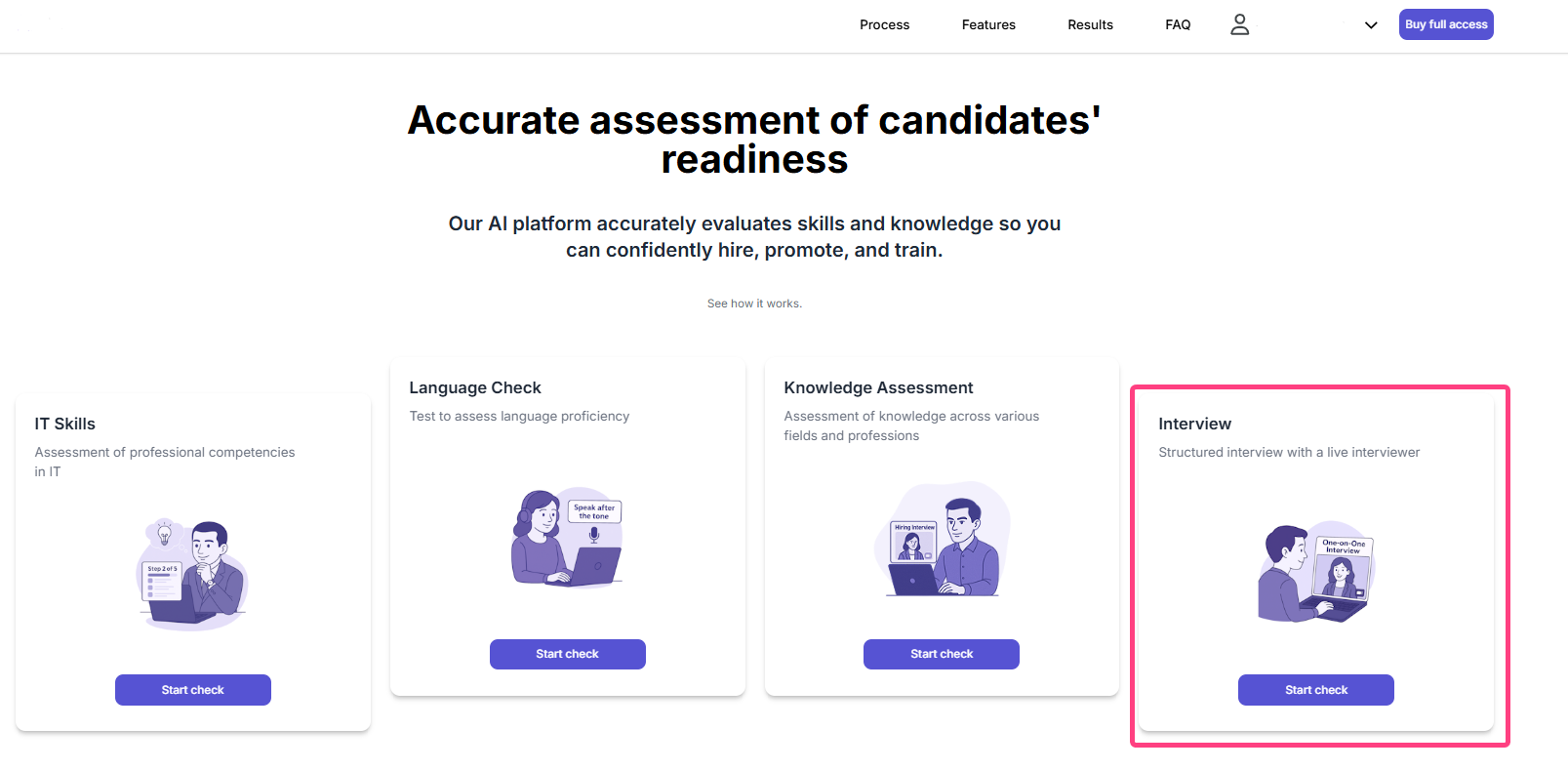
Through the “Interview” card (P2P):
- On the Welcome page, select the Interview card.
- Click Start assessment and choose a specialization.
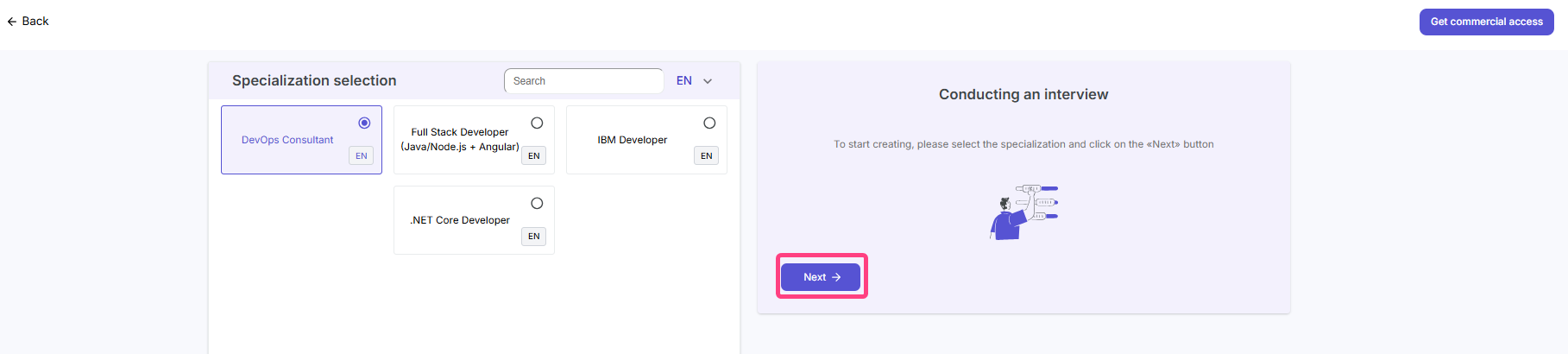
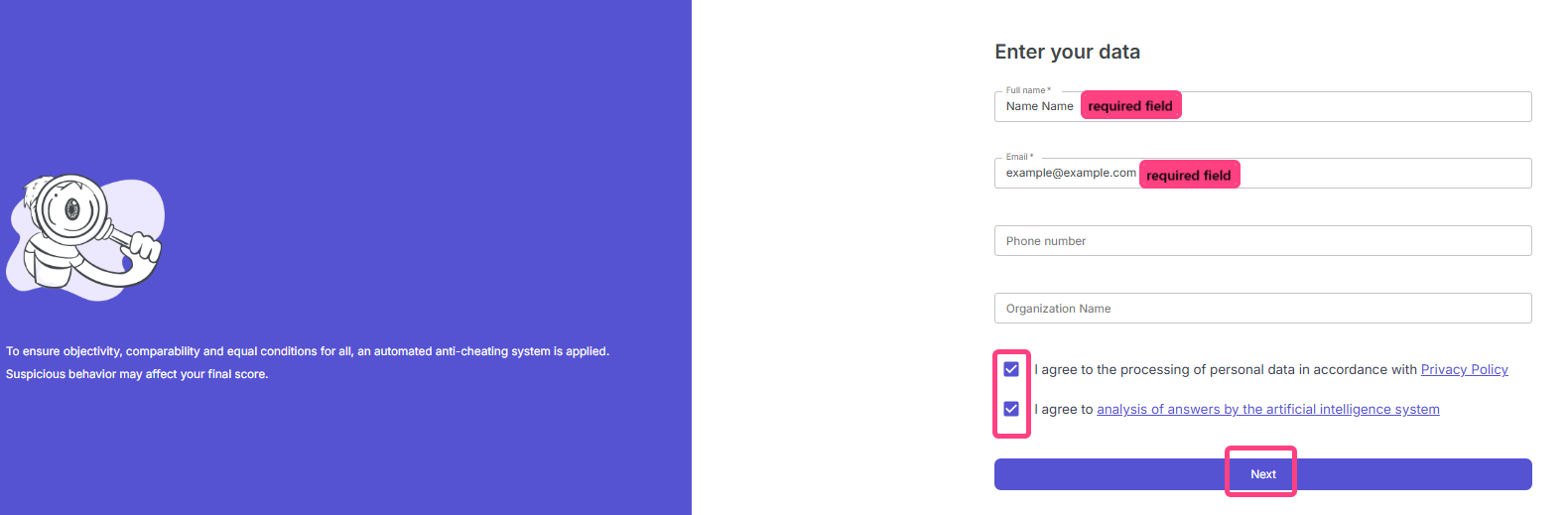
- The system will offer registration.
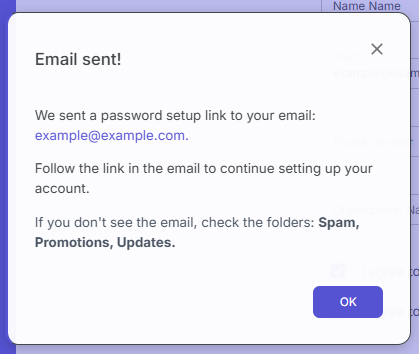
- Then open the specified email address, follow the link in the email, and set a password.
- After that, you will be able to sign in to the system and immediately see your personal organization.
Important note:
If you registered through the Sign in button and ended up in an empty account without an organization, that is normal. Just:
- either ask an administrator to add you to an existing organization;
- or complete any demo interview, either Self-Assessment or P2P, and the system will create a personal organization for you automatically.