Completing The Interview: Guide For The Candidate
P2P interview process: candidate guide
Important: The candidate receives a unique link from the interviewer to join the video meeting through any convenient messaging service and opens it at the scheduled time.
- The interviewer copies the link and sends it to the candidate through a messaging service.
- The candidate receives the link and opens it.
Step-By-Step Process
Step 1: Open The Link
- At the scheduled time, open the link sent by the recruiter.
Step 2: Check The Equipment
- The system will request access to the camera and microphone. Click Allow.
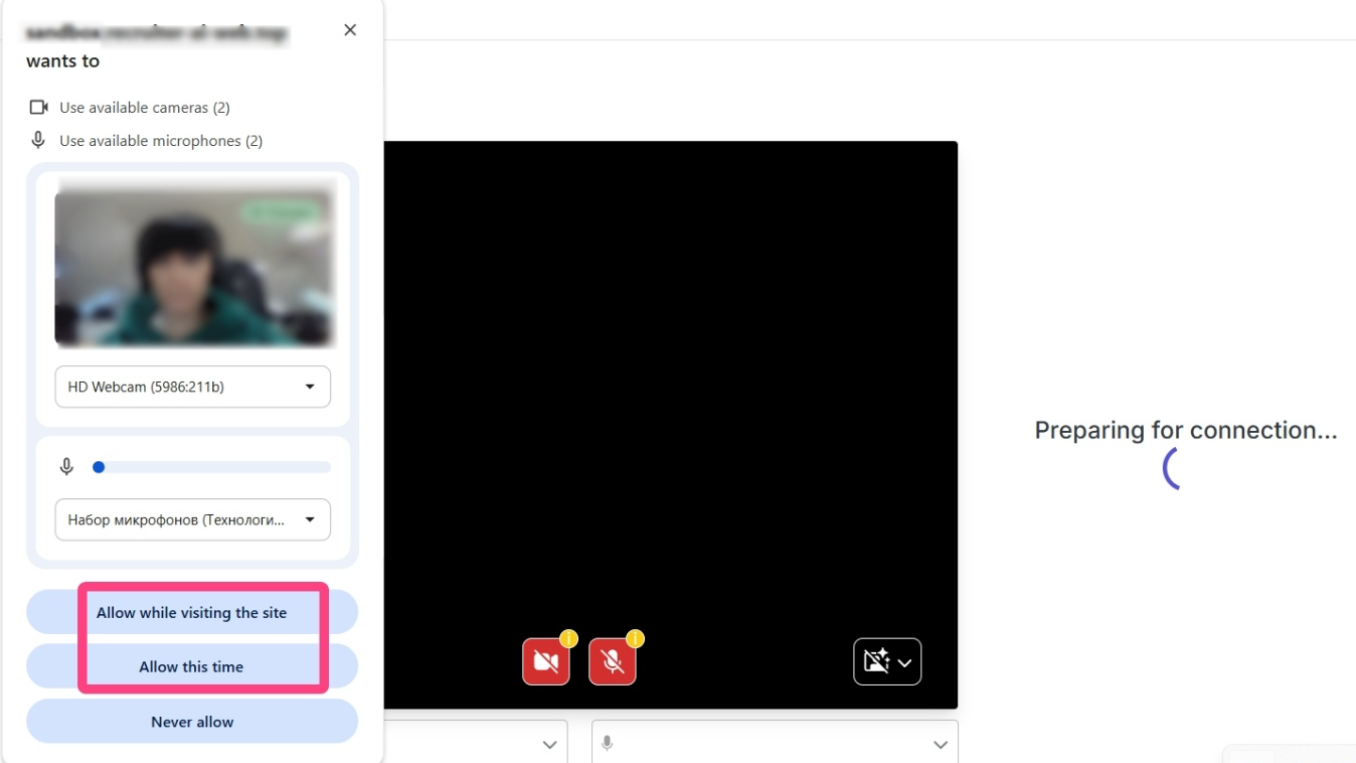
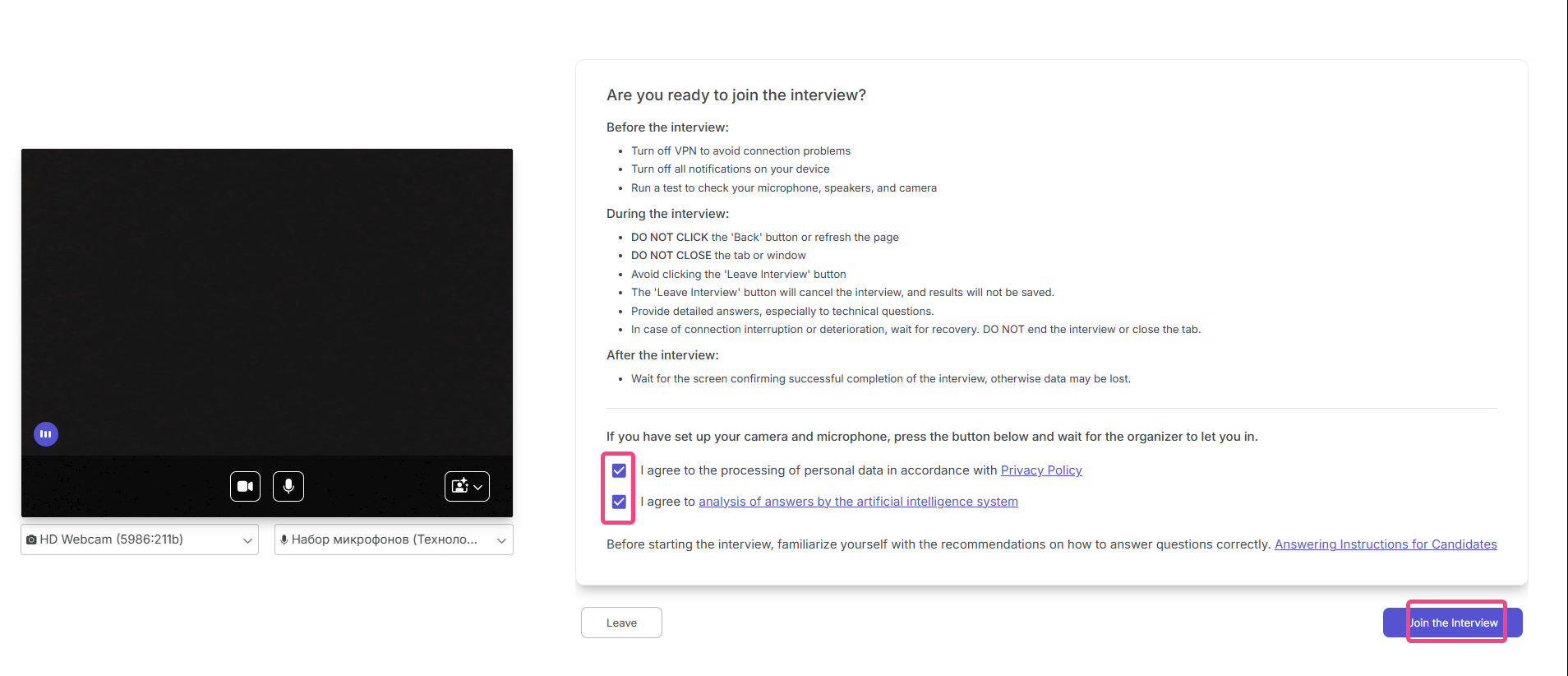
- A page with instructions and a waiting indicator will open: “Candidate ... is ready and waiting”.
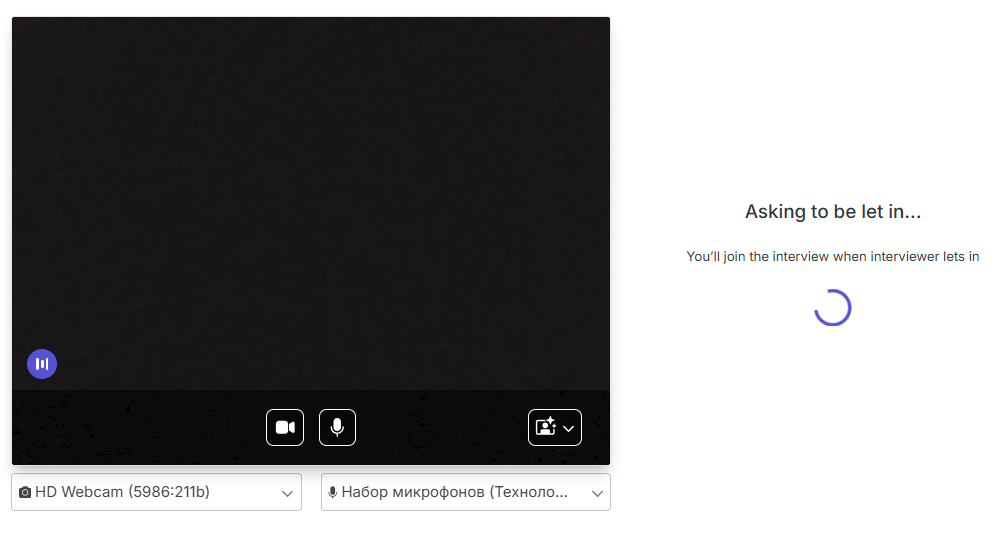
- Wait until the recruiter starts the interview.
Step 4: Participate In The Interview
- You talk with the recruiter in a video call, answering questions on the proposed topics.
- In the technical part, you give spoken answers to the questions read aloud by the recruiter.
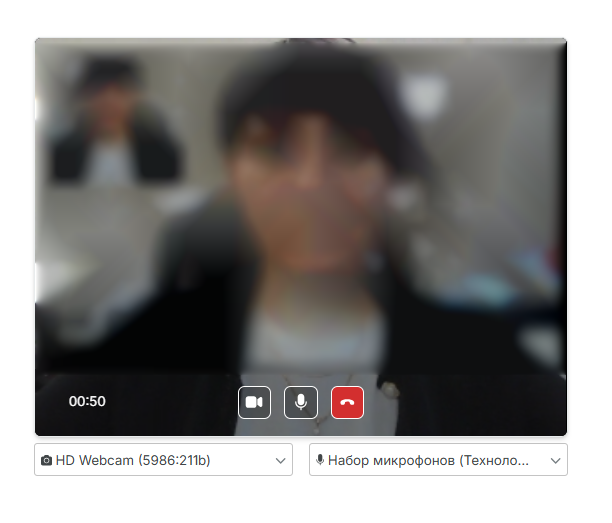
Step 5: Finish The Interview
After the planned topics are completed, the interview ends when the red phone button is clicked.
Step 6: Receive Results
- The report is automatically sent to the email that you provided.
- The report includes:
- competency assessment;
- AI recommendations;
- the interview transcript;
- the interview video recording.
The results also become available to the recruiter in the Overview section.