Getting Commercial Access
If you represent a company and want to use RECRUITER.AI for regular employee hiring, you need to request commercial access. After that, our specialists will contact you to discuss the terms and organization setup.
Step-by-step instructions:
Step 1: Open The Request Form
- On the main page of the platform, click Buy access, or a similar button offering commercial access.
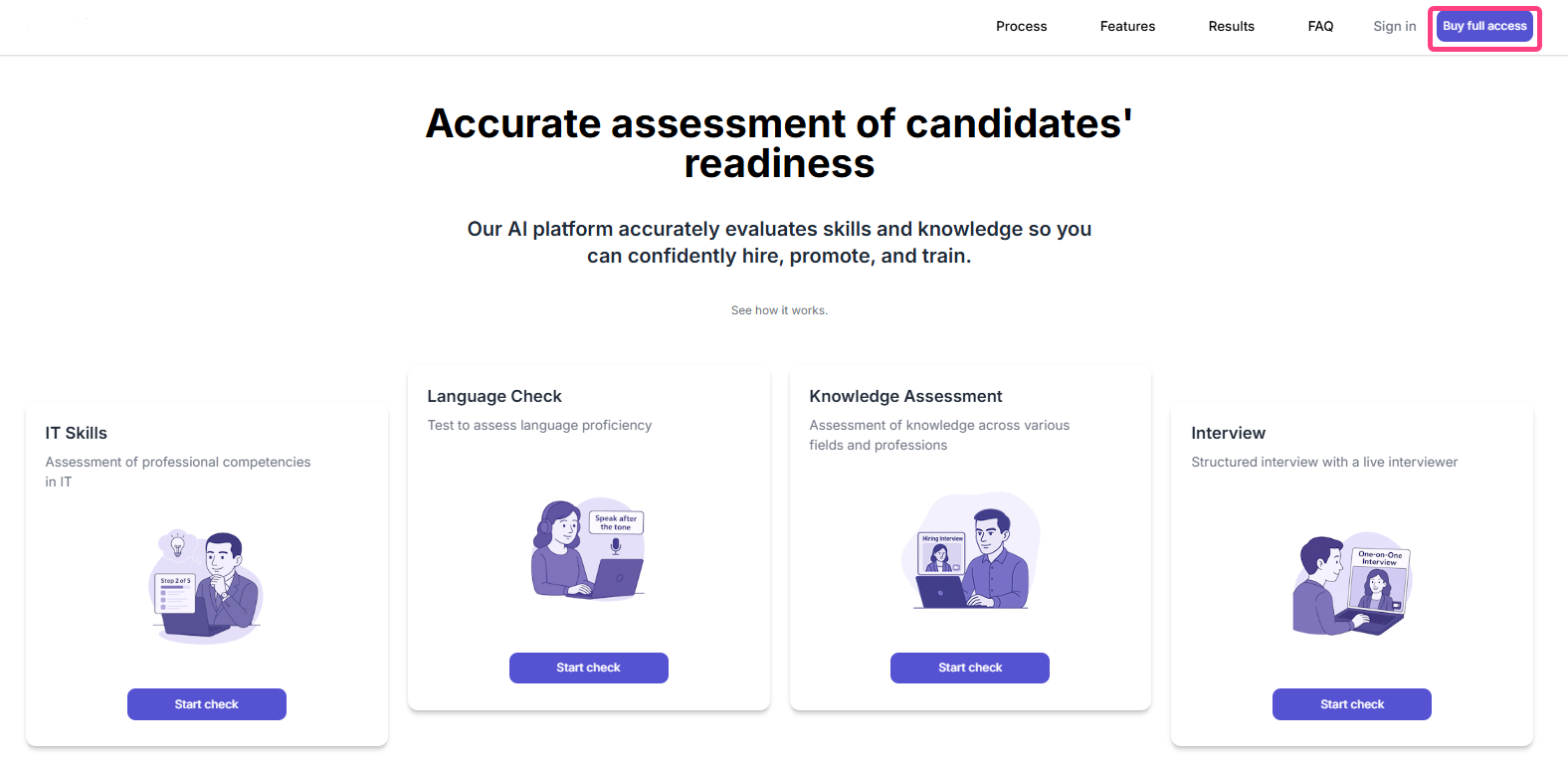
- The Request access modal window will open.
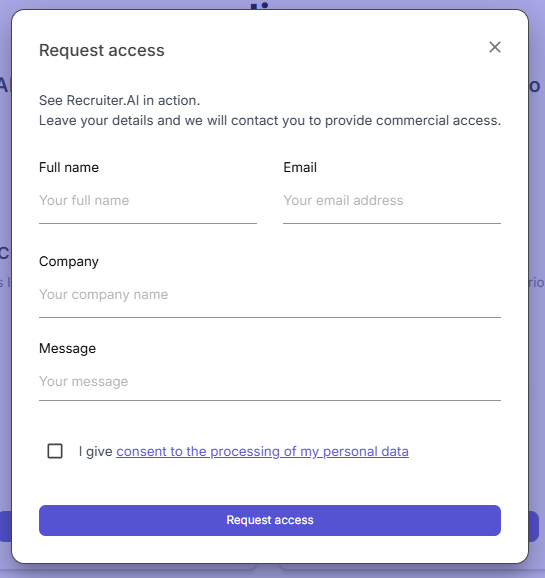
Step 2: Fill In The Form
The form contains the following fields:
| Field | What to enter |
|---|---|
| Name | Your full name, for example John Smith |
| Your work email for contact | |
| Company | Your organization name |
| Message | A short description of your needs, for example “We plan to conduct interviews for Java developers and need 10 licenses” |
Step 3: Review And Consent To Data Processing
Be sure to tick the checkbox:
- I consent to the processing of my personal data
Step 4: Submit The Request
Click Request access.
What happens after submission:
- Your request is sent to the RECRUITER.AI sales team.
- Our specialist will contact you shortly.
- During the conversation, the following will be discussed:
- required functionality;
- integration with your processes;
- pricing and terms.