Sign In Via Administrator Invitation
This scenario is suitable if an organization administrator has already added you to the system and an invitation has been sent to your email address.
Step-By-Step Instructions
- Open the email with the subject Invitation to RECRUITER.AI, which is sent from
recruiter-ai@andersenlab.com. - The email will state that an account has already been created for you, and your login will be your email address.
- Click Confirm email and set password or follow the link from the email.
- On the page that opens, set a password for your account.
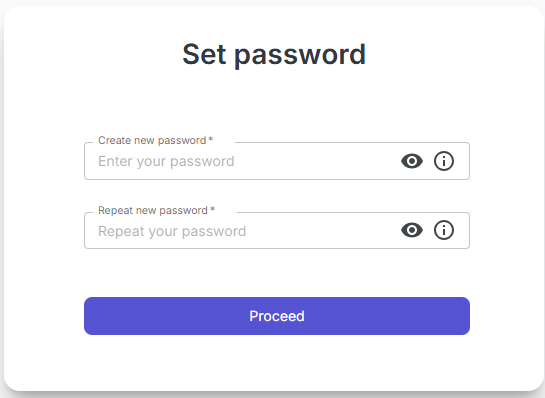
- Enter the new password and confirm it.
- After the password is saved, the system will automatically sign you in.
- Next time, you will be able to sign in using your email and the password you set.
Important To Know
- The invitation is sent by your organization administrator.
- If the email did not arrive, check your Spam folder.
- If the link in the email has expired or does not open, contact the administrator and ask them to send the invitation again.