Creating A New Organization
After the first sign-in, an administrator with the ADMIN role needs to create an organization for the team. After creation, the system will automatically switch you to the context of the new organization.
Step-By-Step Instructions
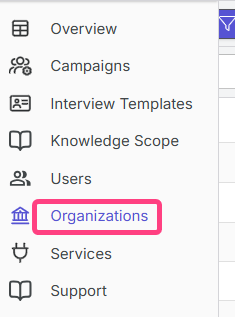
- In the profile menu, click the + button next to the current organization name and the settings button.
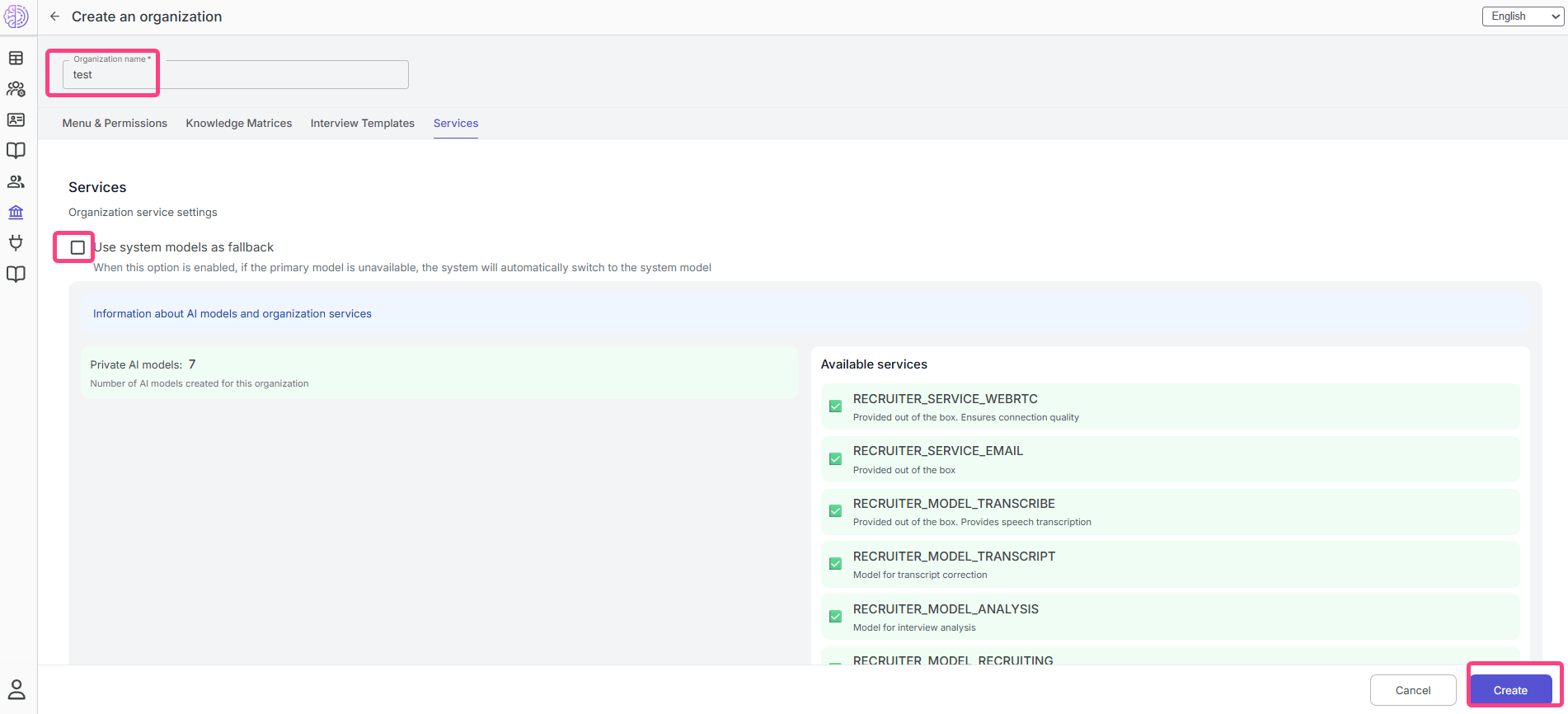
- In the window that opens, enter the organization name.
- Fill in additional fields if necessary.
- Click Create.
After that, you will become the administrator of the new organization, and the system will switch you to its working context.