Docs
For P2P With A Recruiter
Candidate-Side Interview Flow
Important: You will receive a unique link from the recruiter to join the video meeting. Open it at the scheduled time.
How the interview works
- Open the link. At the scheduled time, open the link sent by the recruiter.
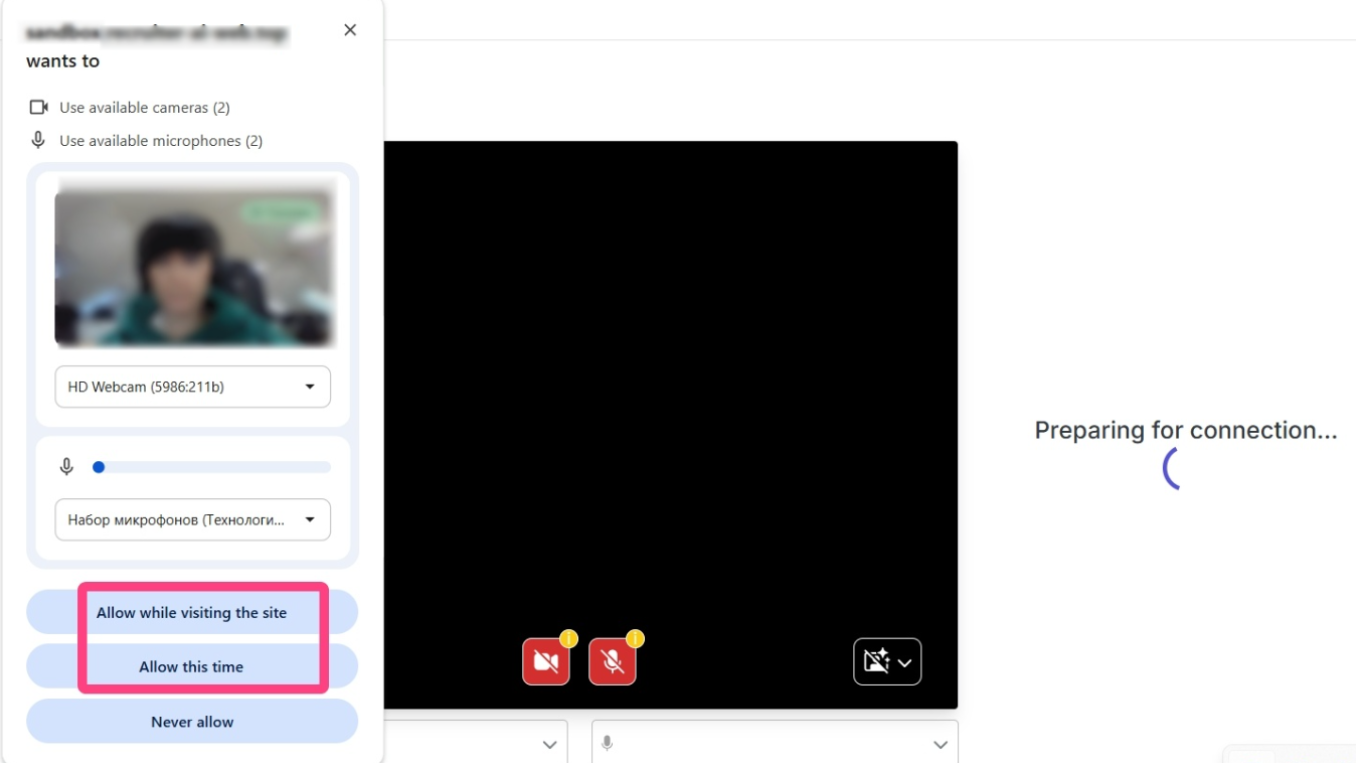
- Allow access to your camera and microphone. The system will request access to your devices. Click Allow. A page with instructions and a waiting indicator will open: “Candidate ... is ready and waiting.” Wait until the recruiter starts the interview.
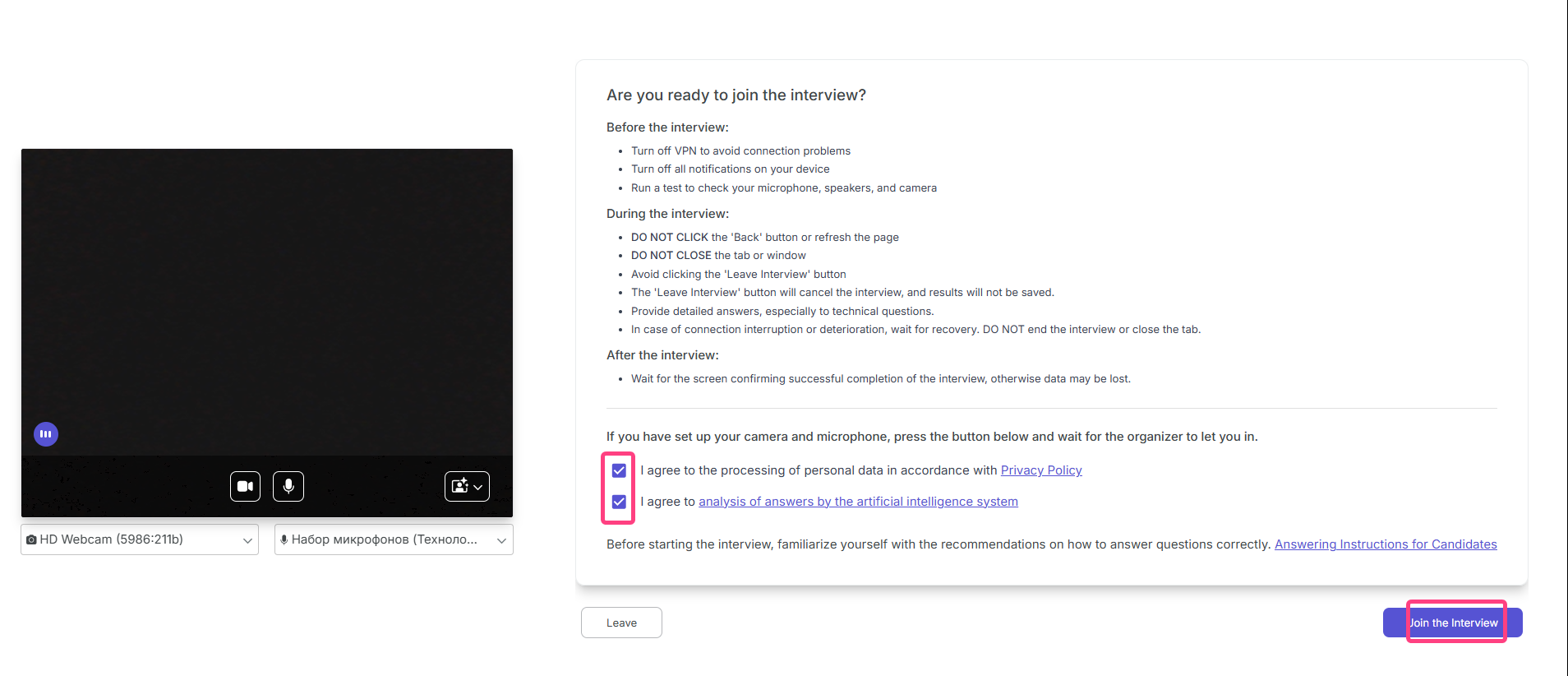
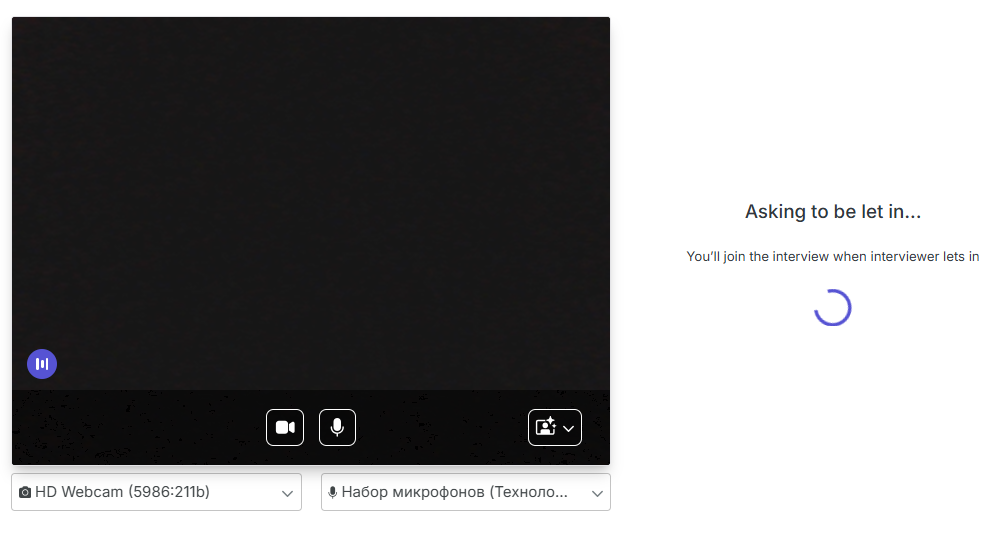
- Join the interview. A page with final instructions and a waiting indicator will open (“You are ready to join the interview...”). Wait for the recruiter to connect.
 During the interview:
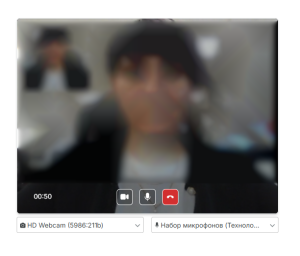
- The candidate talks with the recruiter in a video call and answers questions on the proposed topics.
- In the technical part, the candidate gives spoken answers to the interviewer's questions.
- End the call. The interview is ended by the recruiter and/or the candidate by clicking the red phone button.
- Wait for the results. The results also become available to the recruiter in the Overview section.